Plugins that keep engineers in the model, not in the browser
CADXtend builds focused productivity tools for AutoCAD Plant 3D software — issue tracking, BOM review, and spec-driven modeling — for teams that lose hours to alt-tabbing between the model and everything else.
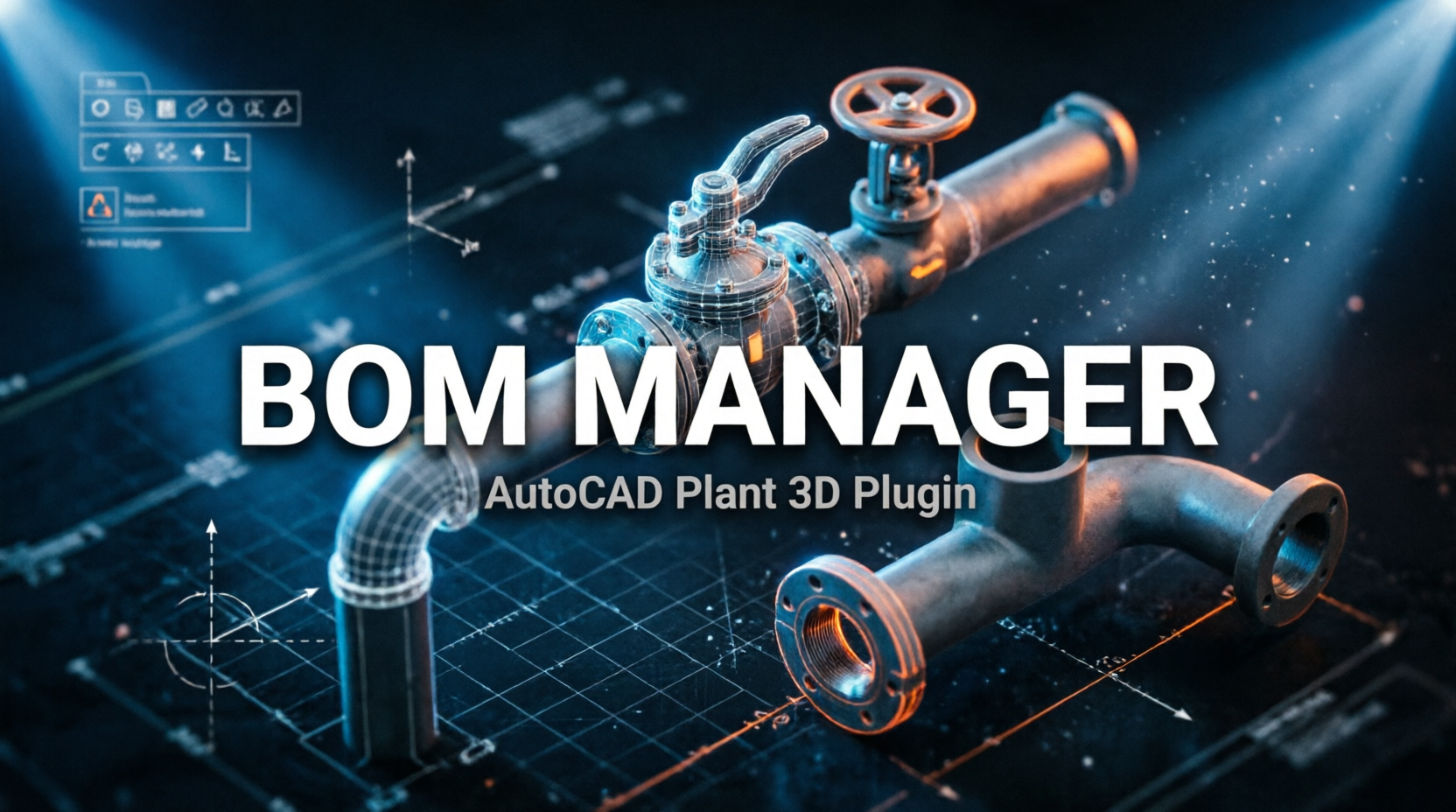
Review and edit Plant 3D BOM data in the model before ortho generation. Validate part numbers, quantities, and specifications directly. Eliminate downstream errors and produce accurate BOM reports without manual export steps.
For use with AutoCAD Plant 3D 2025–2027
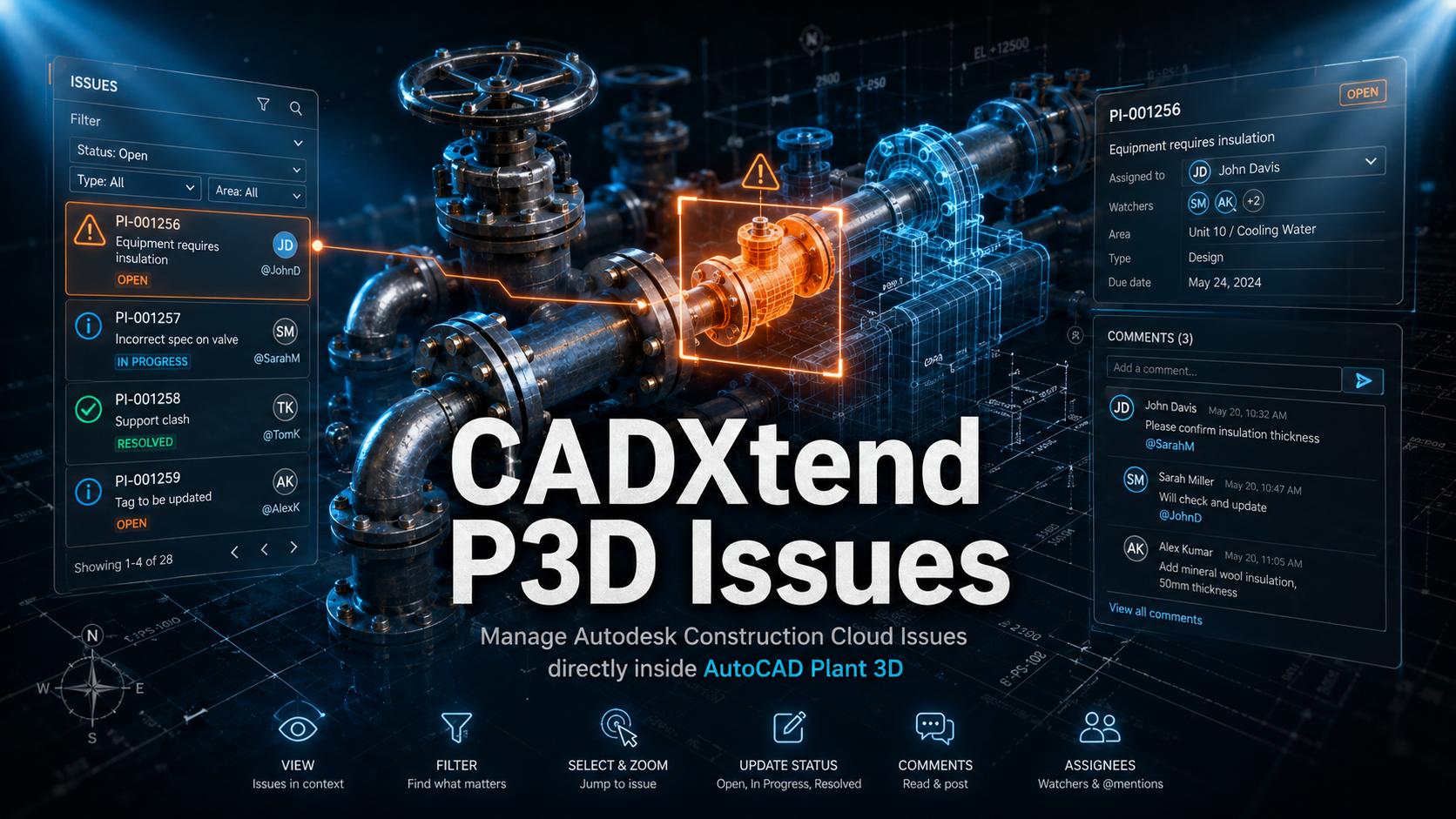
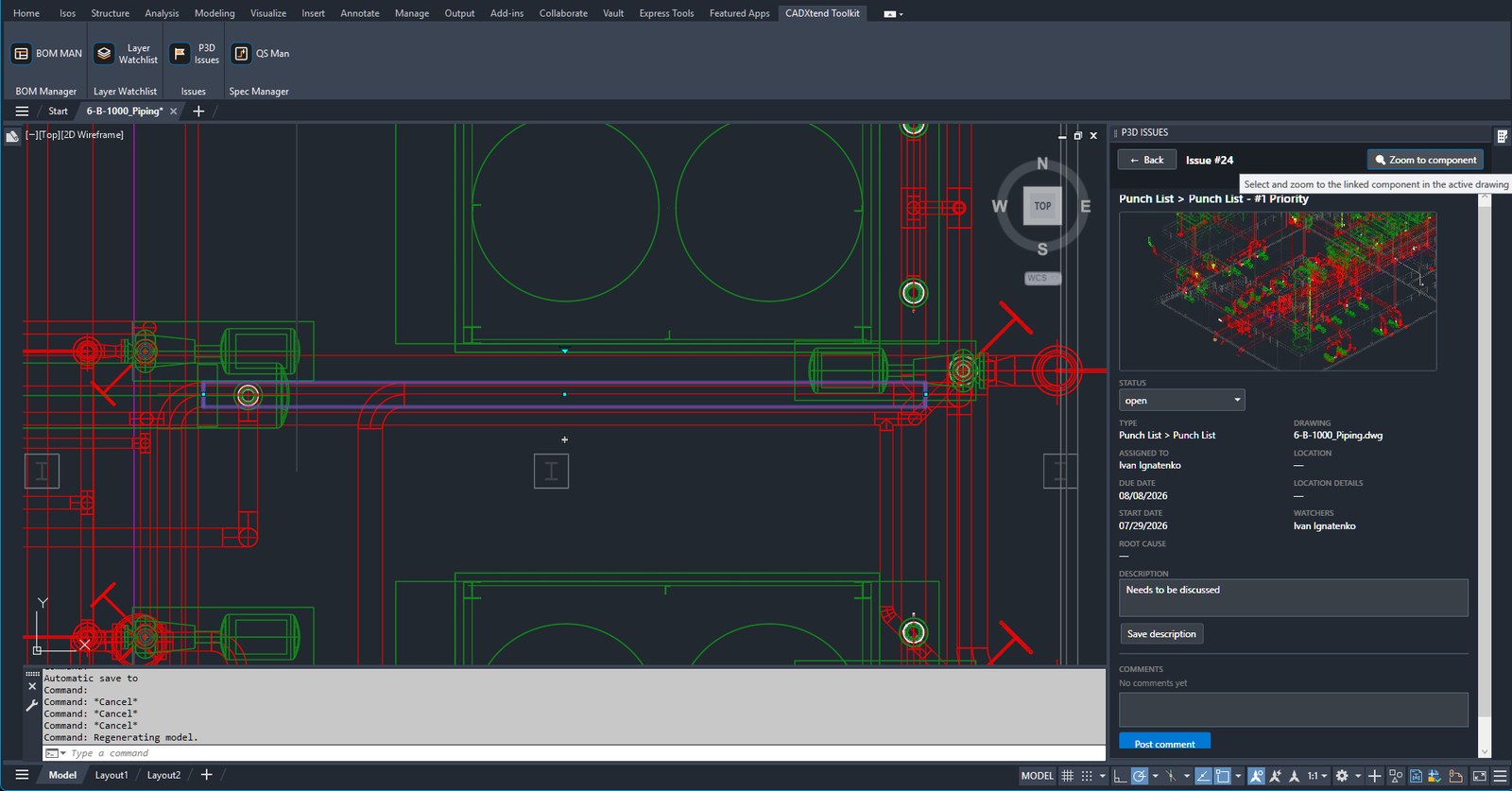
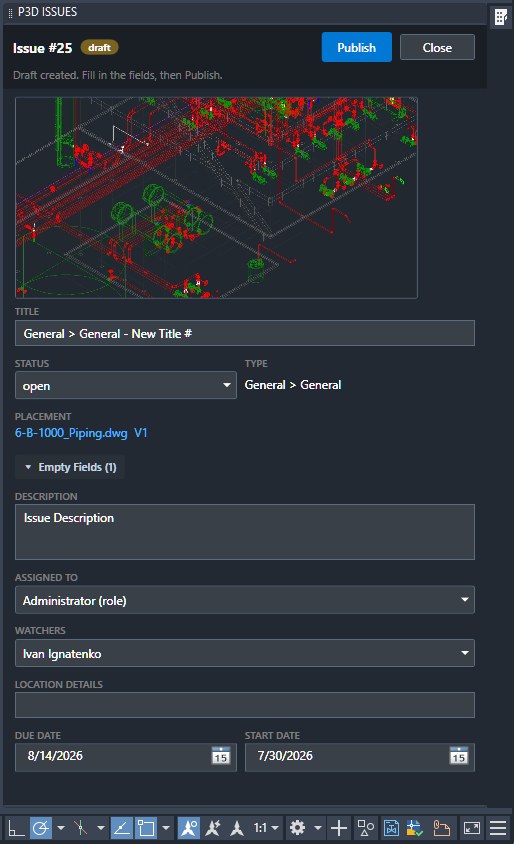
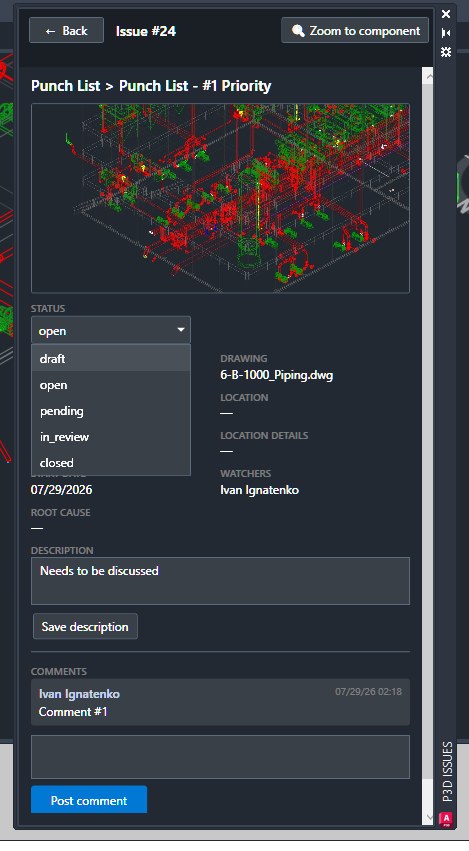
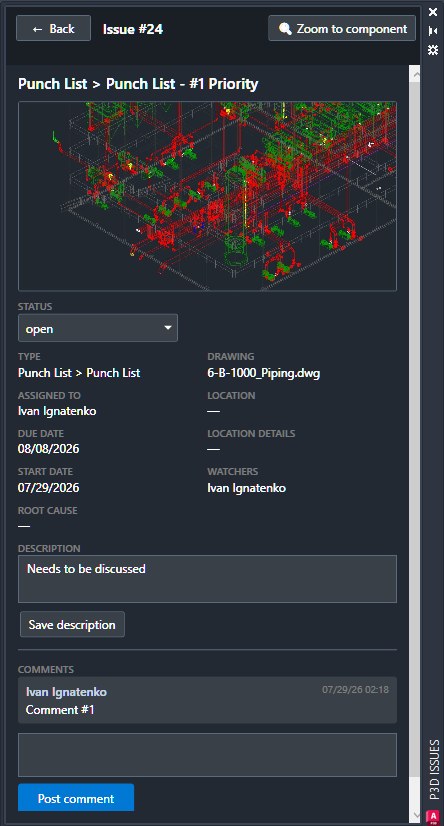
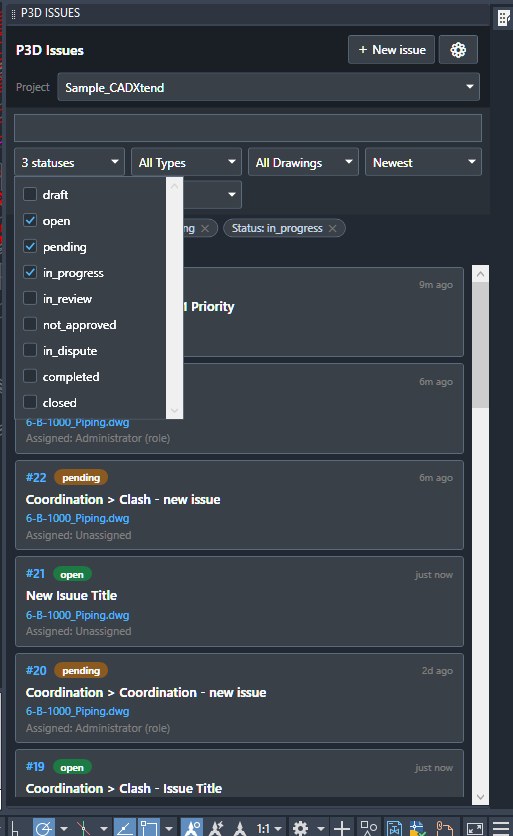
View, filter and resolve Autodesk Forma issues without leaving Plant 3D. Click an issue and jump straight to the flagged component in your drawing — selected and zoomed. Change status, read and post comments, and get assignee, watcher and @mention names by role, all without alt-tabbing out of AutoCAD.
For use with AutoCAD Plant 3D 2025–2027
30-day free trial then $19/month — or $149 for the first year $199 per seat / year after that (still $19/month)
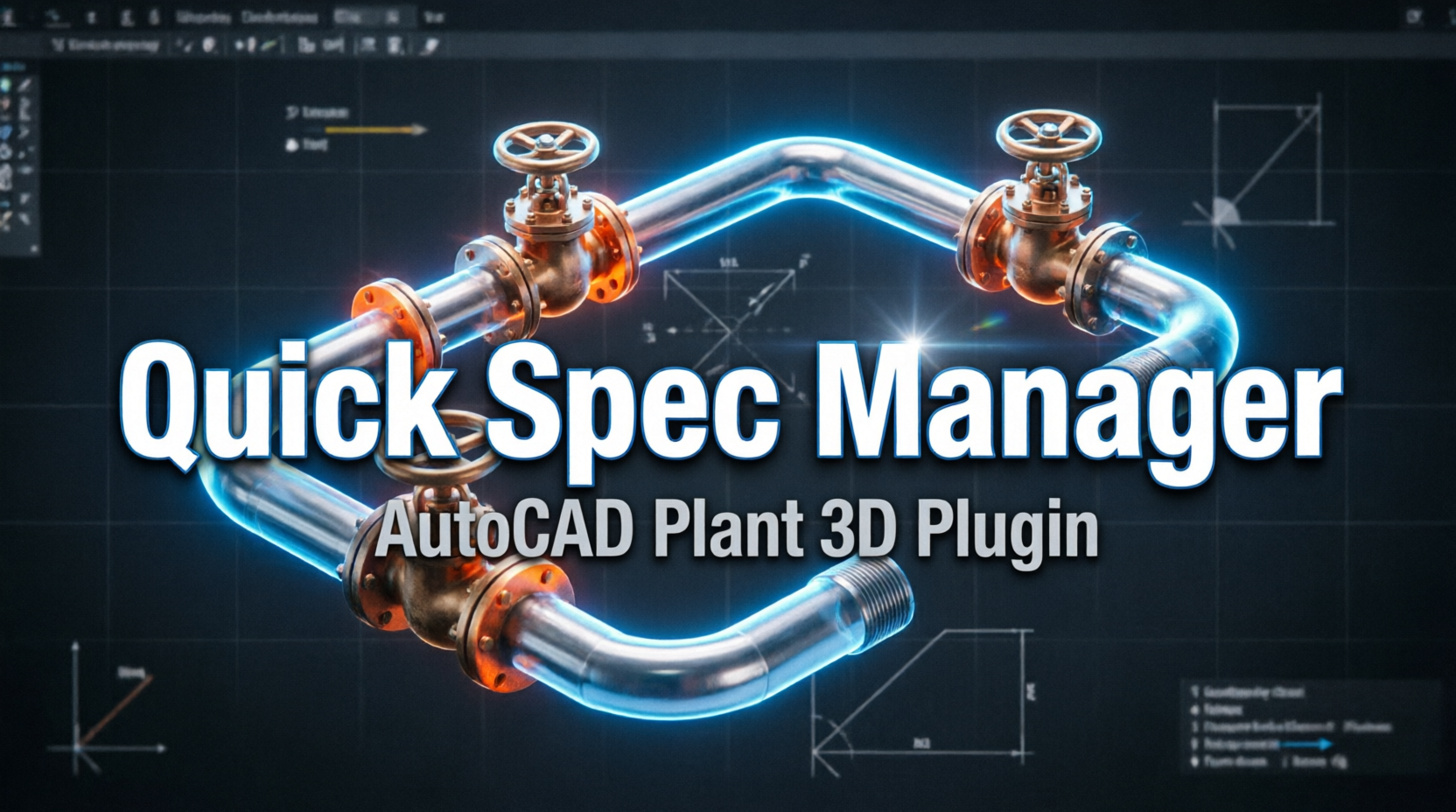
Accelerate your design workflow with fast access to spec-driven components. Insert and manage parts from project specs instantly, reducing repetitive steps and ensuring compliance with engineering standards.
For use with AutoCAD Plant 3D 2025–2027
CADXtend P3D Issues, running inside AutoCAD Plant 3D
CADXtend builds plugins to match specific engineering workflows. Services include automated report generation, database integration, custom design rules, and specialized tools. Each solution is developed from documented project requirements and tested against production models.
Request Custom Solution3
plugins shipping today
2025–2027
Plant 3D releases supported
1 click
from an issue to the component in the model
0
telemetry, analytics or project data sent to us
Specialized development team for AutoCAD Plant 3D productivity tools.
Tell us what you need — demo, quote, or a custom tool
Follow us on social media
support@cadxtend.com | +1-708-665-4334
AutoCAD Plant 3D 2025, 2026 and 2027. That range is what the shipped plug-in bundles declare; older releases run on a different .NET runtime and are not supported.
For CADXtend P3D Issues, yes. It reads and writes the issues in your existing Autodesk Forma project — the platform renamed from Autodesk Construction Cloud in March 2026. The plug-in does not replace that subscription, it saves you the trip to the browser. BOM Manager and Quick Spec Manager work on the model alone and need no cloud access.
Nothing is sent to CADXtend — there is no CADXtend server, no telemetry, no usage analytics and no crash reporting. CADXtend P3D Issues talks only to Autodesk, because that is where your issues live. The details are in the Privacy Policy.
Start with a 30-day free trial — no payment up front. After that it is one license per seat: $19 per month, or $149 for the first year and $199 per year after that. Request a quote and we will set you up directly.
As a standard Autodesk application bundle — the installer places it where AutoCAD Plant 3D software already looks for plug-ins, and the CADXtend tab appears on the ribbon the next time you start it. No manual loading, no changes to your project setup.